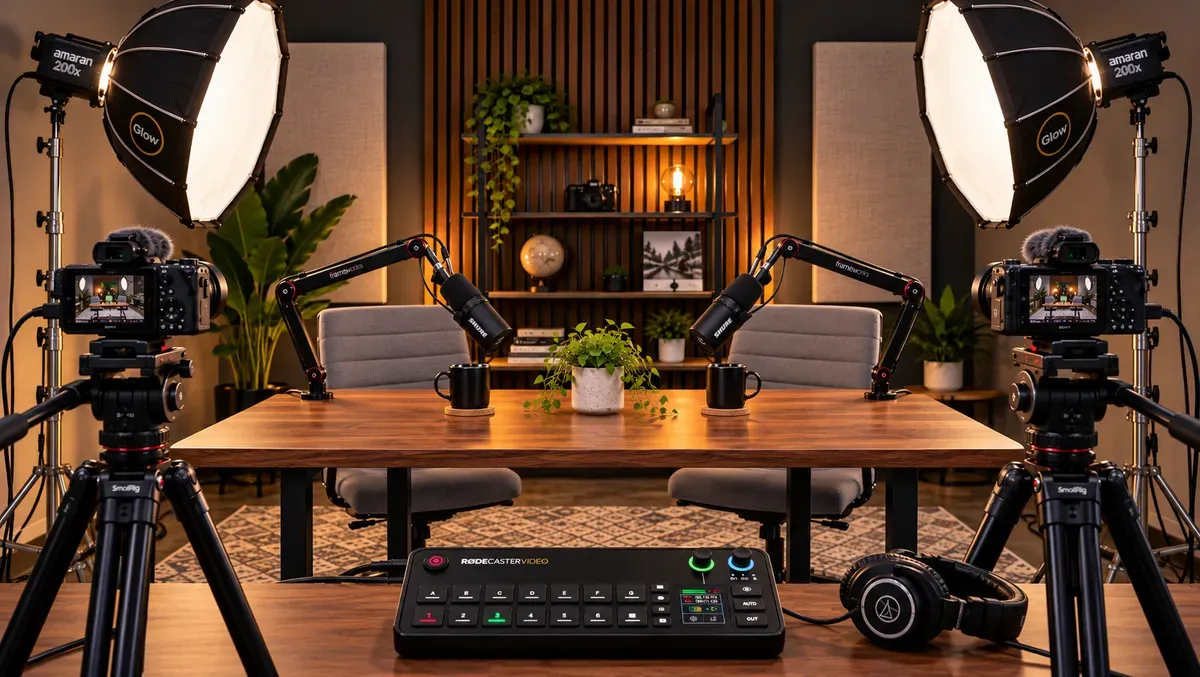
You don’t need a massive budget to start a professional-looking video podcast. With the right equipment, you can put together a two-person video podcast studio with dedicated cameras, clear audio, flattering lighting, and live camera switching for under $5,000 in core equipment.
For this guide, we used StudioGear.app to create a two-camera podcast equipment list around a $5,000 budget. The result is $4,903.03 in estimated gear, including Sony cameras, Shure microphones, an integrated RØDE video switcher, and the cables and adapters that connect the system.
Affiliate disclosure: This article contains affiliate links. We may earn a commission from qualifying purchases at no additional cost to you. Prices are estimates and may change.
Our Complete Video Podcast Equipment List
| Equipment | Qty | Estimated total |
|---|---|---|
| Sony ZV-E10 Camera Kit | 2 | $1,696.00 |
| SmallRig AD-01 Video Tripod | 2 | $319.98 |
| RØDE RØDECaster Video | 1 | $809.00 |
| Shure MV7+ Microphone | 2 | $598.00 |
| Gator Low-Profile Boom Arm | 2 | $199.98 |
| Audio-Technica ATH-M50x Headphones | 2 | $254.40 |
| Amaran Halo 200x LED Light | 2 | $498.00 |
| Glow EZ Lock 36-inch Softbox | 2 | $170.00 |
| K&F Concept Light Stand | 2 | $81.74 |
| Cable Matters 15-ft Active HDMI Cable | 2 | $45.98 |
| Cable Matters XLR Cable 2-Pack | 1 | $39.99 |
| Surge Protector Power Strip | 1 | $18.99 |
| UMIACOUSTICS Acoustic Panel 2-Pack | 1 | $160.99 |
| Micro-HDMI to HDMI Adapter | 2 | $9.98 |
| Estimated equipment total | $4,903.03 |
That leaves $96.97 of the $5,000 target. External recording storage, continuous camera power, furniture, sandbags, taxes, shipping, and a post-production computer are not included.
View the complete 2-camera studio build
1. Cameras: Sony ZV-E10
2 cameras | $1,696 total
View Sony ZV-E10 Camera Kit on Amazon
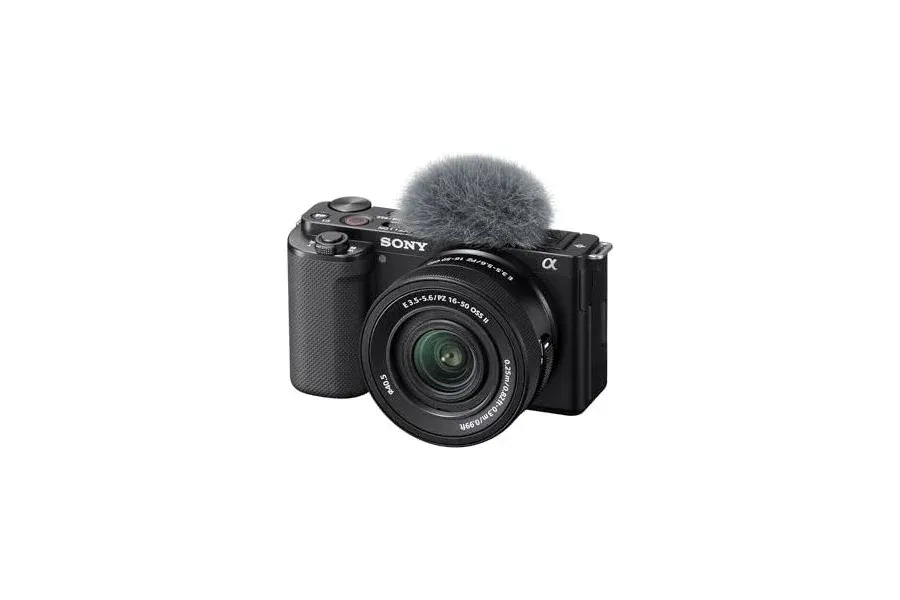
The Sony ZV-E10 is an accessible interchangeable-lens camera for creators who want more control than a webcam can offer. Its APS-C sensor, autofocus, and clean HDMI output make it a practical choice for a seated video podcast. The listed kits include lenses, so you can start without a separate lens purchase.
We chose two matching cameras to simplify exposure and color matching. Put one on each speaker, match white balance and frame rate, and feed each camera’s HDMI signal to the switcher. The original ZV-E10 supports 4K recording up to 30 fps; the switcher workflow here uses HDMI output rather than internal SD recording.
Camera support: SmallRig AD-01 Video Tripods
2 tripods | $319.98 total
View SmallRig AD-01 Video Tripod on Amazon
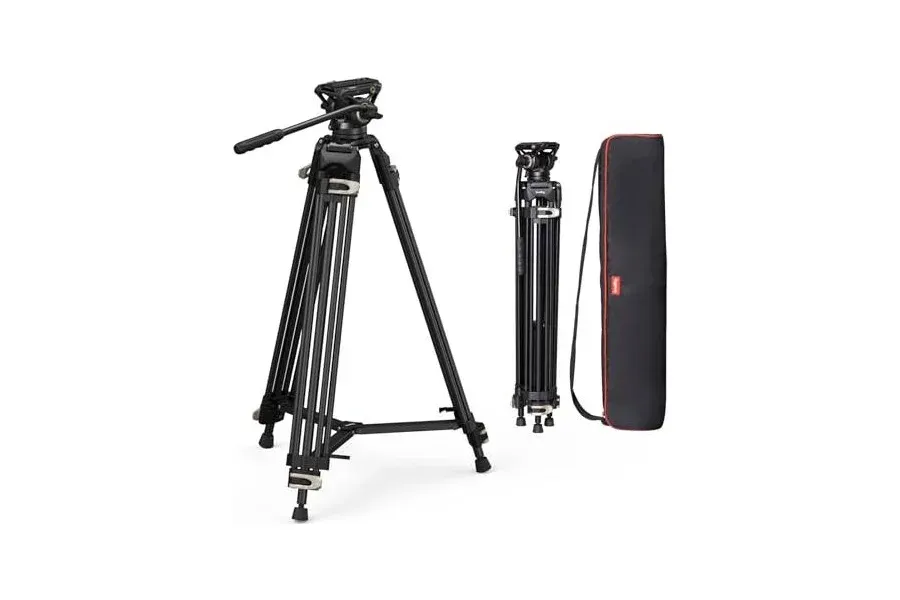
Mount each Sony ZV-E10 on its SmallRig AD-01 tripod. Frame one speaker per camera.
2. Video Switcher: RØDE RØDECaster Video
1 switcher | $809
View RØDE RØDECaster Video on Amazon
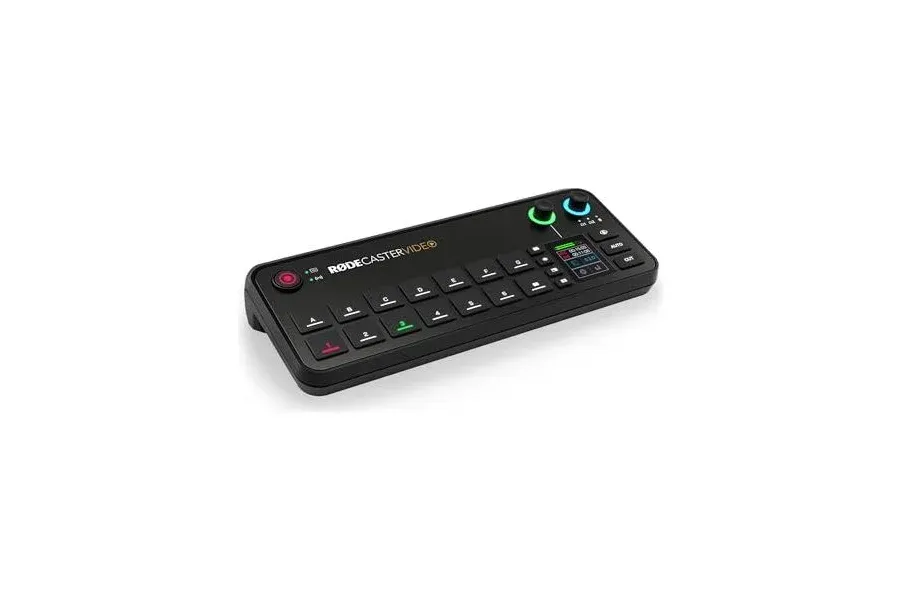
The RØDECaster Video is the heart of this studio. It combines video source switching, audio inputs, and program recording, allowing you to switch between both speakers as the conversation happens.
Live switching can dramatically reduce the need to cut between two camera files in editing. You can choose angles manually or explore audio-driven automatic switching. Record the program to compatible external USB storage, which must be purchased separately. The program recording is not the same as retaining independent in-camera 4K masters.
3. Microphones: Shure MV7+
2 microphones | $598 total
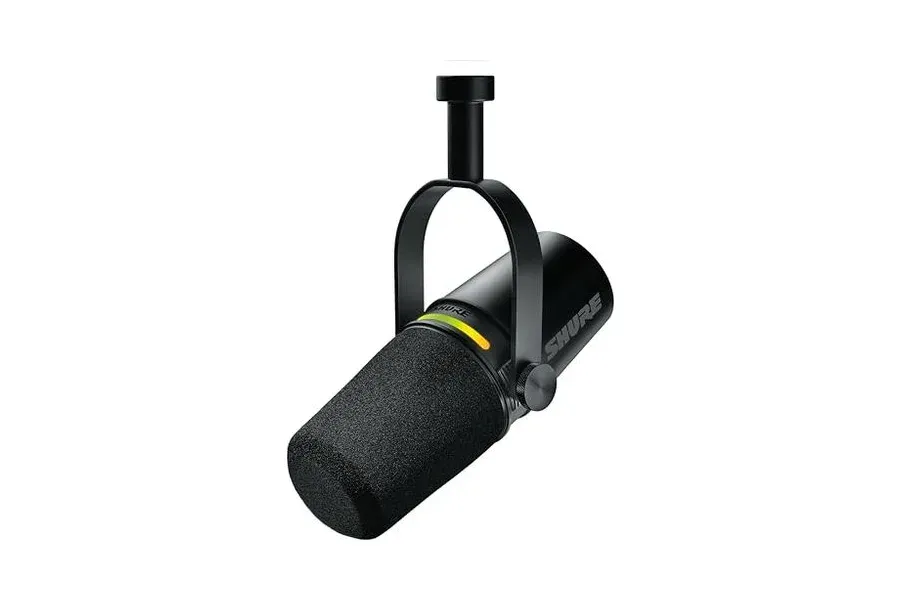
Clear dialogue matters more than flashy video. The MV7+ is a dynamic microphone designed for voice, with both USB-C and XLR connectivity. That makes it useful in a beginner setup while retaining flexibility for other recording workflows.
For this build, connect each microphone by XLR to the RØDECaster Video. Keep each mic a few inches from the speaker’s mouth and use consistent placement. Close microphone technique can reduce the prominence of room sound, but it does not replace proper acoustic treatment.
4. Boom Arms: Gator Low-Profile Series
2 arms | $199.98 total
View Gator Low-Profile Boom Arm on Amazon
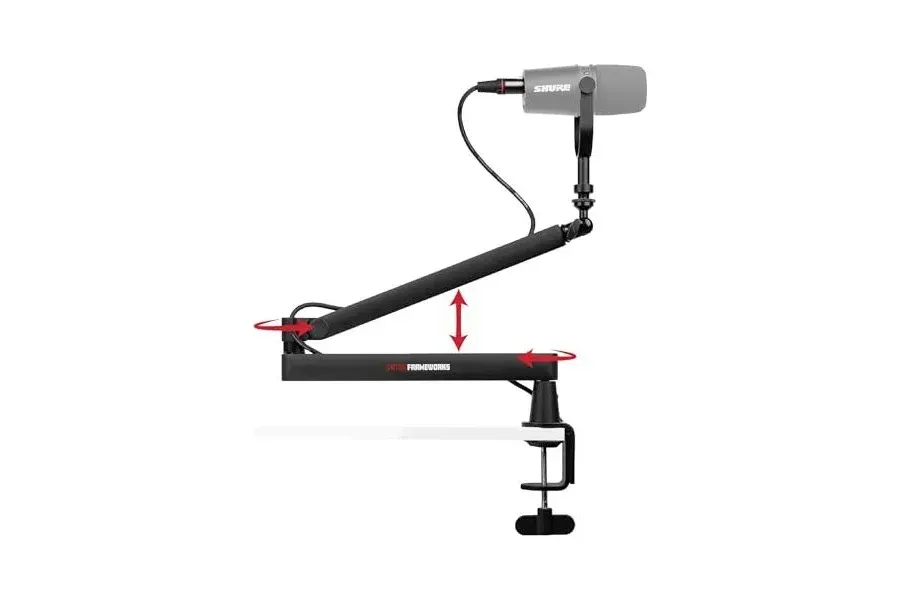
Boom arms do more than hold microphones: they shape the on-camera appearance of the set. Low-profile arms keep the microphone close to the speaker without placing a bulky stand in front of the guest.
These arms let speakers adjust their microphones and keep the table relatively clear. Check desk thickness and clamp clearance before ordering.
5. Headphones: Audio-Technica ATH-M50x
2 pairs | $254.40 total
View Audio-Technica ATH-M50x on Amazon
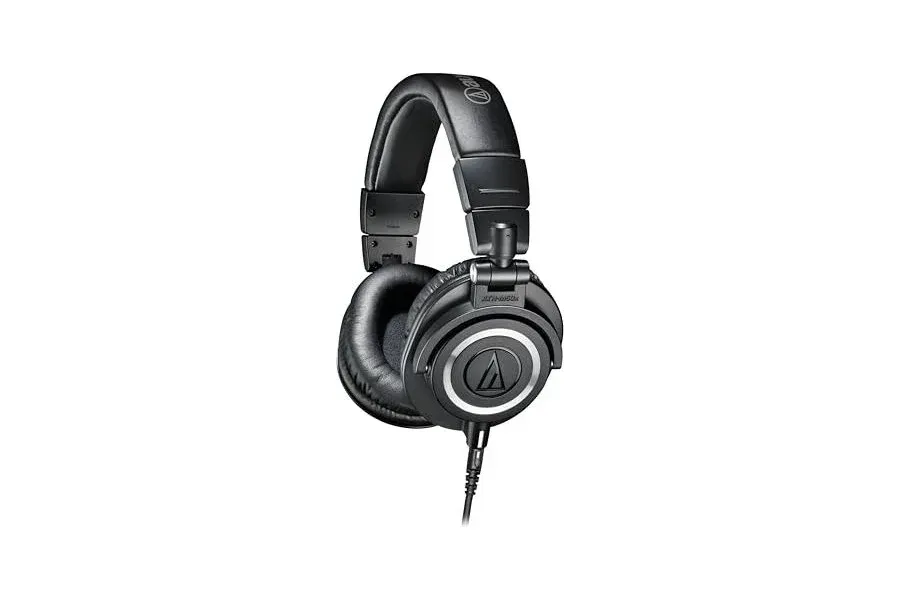
Monitoring lets you catch hum, clipping, and inconsistent microphone levels before they ruin an episode. The ATH-M50x closed-back design also helps reduce headphone spill into nearby microphones.
Listen to a short test recording before every session. The switcher’s headphone connections and monitoring arrangement should be checked against your preferred two-person monitoring workflow.
6. Lighting: Amaran Halo 200x
2 lights | $498 total
View Amaran Halo 200x on Amazon
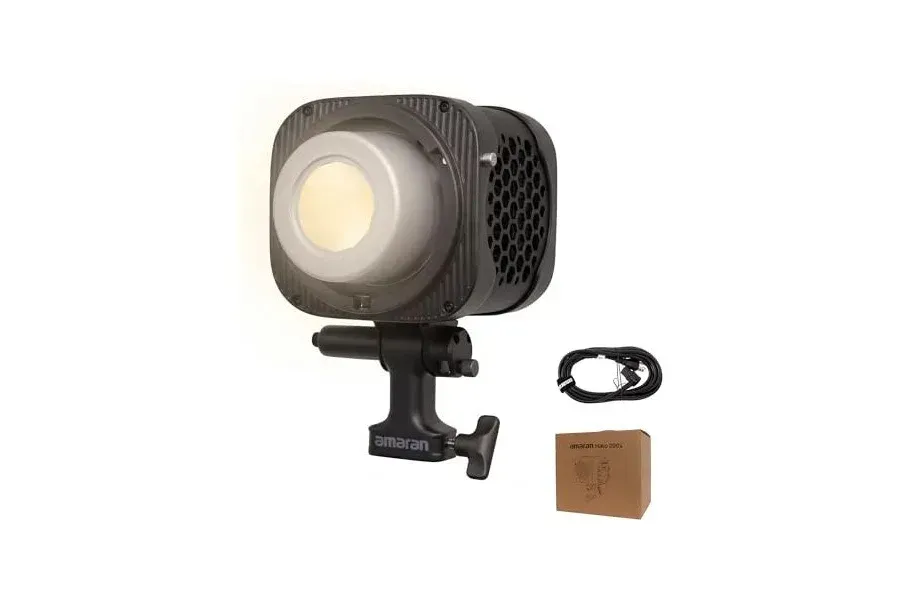
Lighting often does more for a podcast image than spending more on cameras. These bi-color COB LED lights give you adjustable brightness and color temperature, so you can shape a consistent look.
Start with one light for each speaker, slightly above eye level and off to one side. Adjust both until faces are exposed consistently, rather than relying on harsh overhead fixtures.
7. Softboxes: Glow EZ Lock 36-inch Octagon
2 softboxes | $170 total
View Glow EZ Lock 36-inch Softbox on Amazon
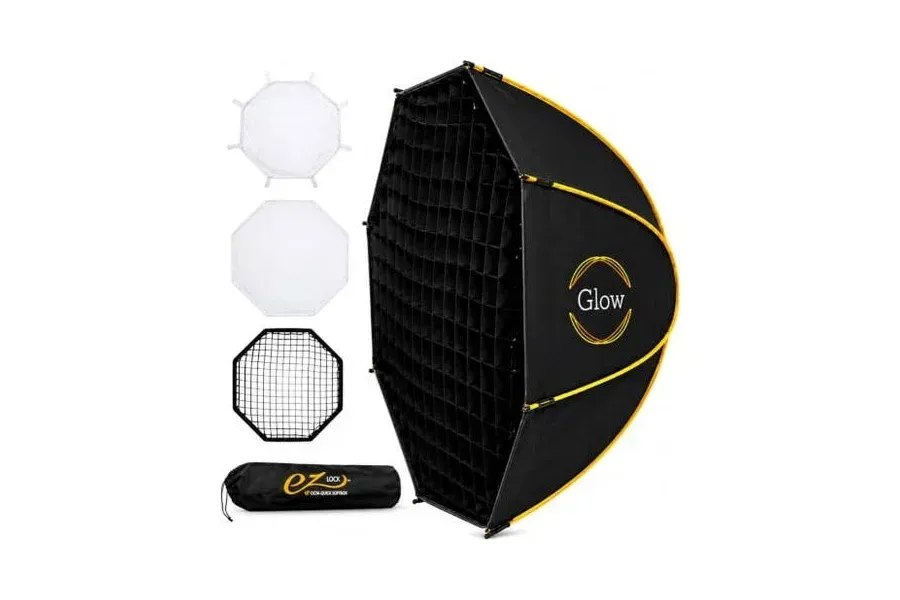
A bare LED can produce hard shadows. These octagonal softboxes enlarge and diffuse the source, producing a more flattering light on faces.
Their Bowens-style mount pairs with compatible COB fixtures. Place each softbox relatively close to the subject while keeping it outside the camera frame.
8. Light Stands: K&F Concept Stainless Steel
2 stands | $81.74 total
View K&F Concept Light Stand on Amazon
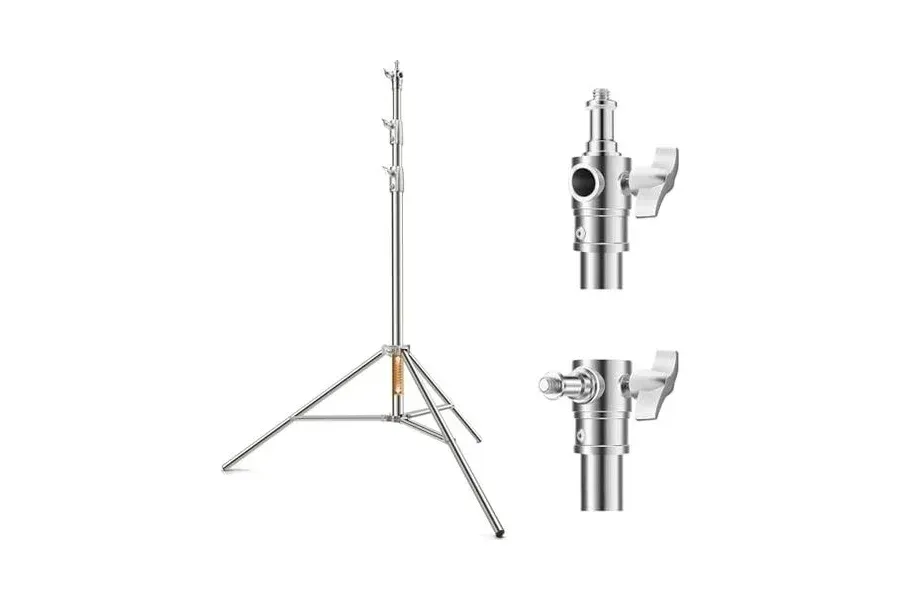
The stands provide the height and adjustability needed to place the two lights properly around a seated podcast set.
Verify the combined weight of each light and softbox against the stand rating. Stabilizing sandbags are recommended but are not included in this budget.
9. HDMI Cables: Cable Matters 15-foot Active
2 cables | $45.98 total
View Cable Matters Active HDMI Cable on Amazon
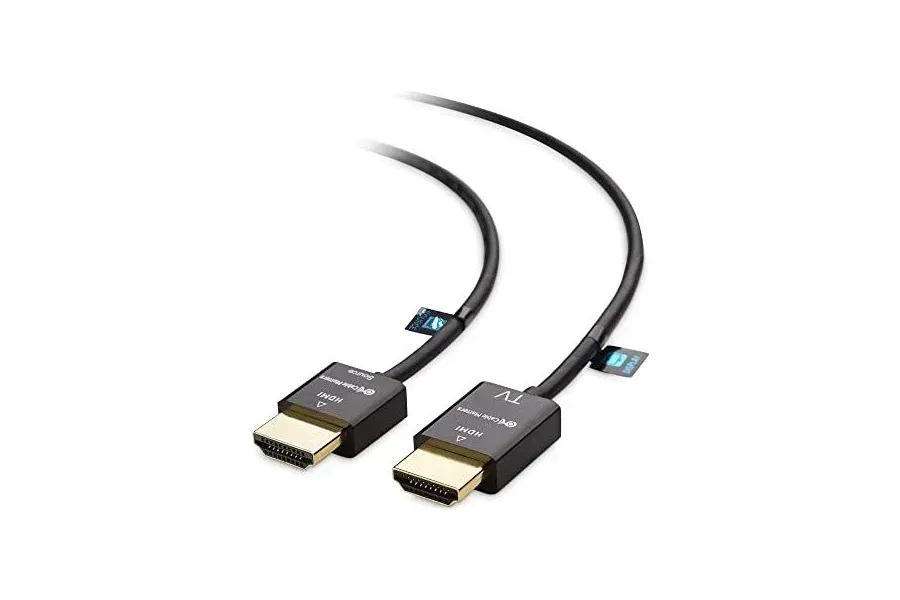
The two cameras need reliable video connections to the RØDECaster Video. Fifteen-foot HDMI cables give more freedom to position the switcher away from the camera tripods.
These are directional active cables, so connect the source and display ends correctly. The ZV-E10 has a micro-HDMI port; the adapters in section 11 bridge that connection.
10. XLR Cables: Cable Matters 25-foot 2-Pack
1 two-pack | $39.99 total
View Cable Matters XLR Cable 2-Pack on Amazon
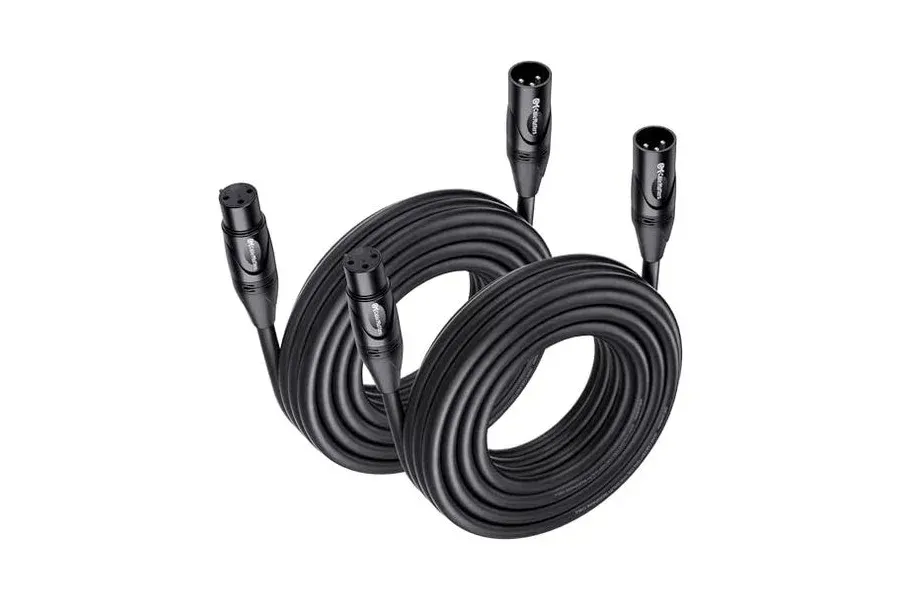
The two Shure microphones need one XLR cable each. A two-pack supplies both connections, while the 25-foot length allows tidy routing around the podcast table.
Balanced XLR connections are well suited to microphone-level audio. Route cables away from foot traffic and strain points.
11. Micro-HDMI to HDMI Adapters
2 adapters | $9.98 total
View Micro-HDMI to HDMI Adapter on Amazon
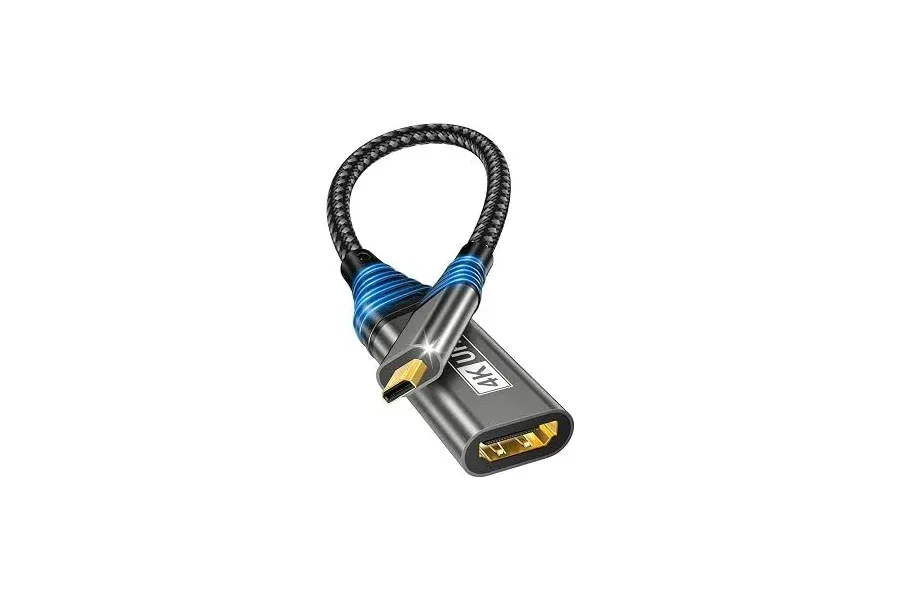
The Sony ZV-E10 uses micro-HDMI (Type D), but our selected HDMI cables have full-size connectors. These adapters make the camera-to-switcher connections possible.
Use one adapter per camera and secure the cable to avoid pulling on the small camera port. The listed adapters advertise 4K/60Hz compatibility, though the actual camera output and switcher format determine the usable signal.
12. Acoustic Treatment: UMIACOUSTICS Panels
1 two-pack | $160.99 total
View UMIACOUSTICS Acoustic Panels on Amazon
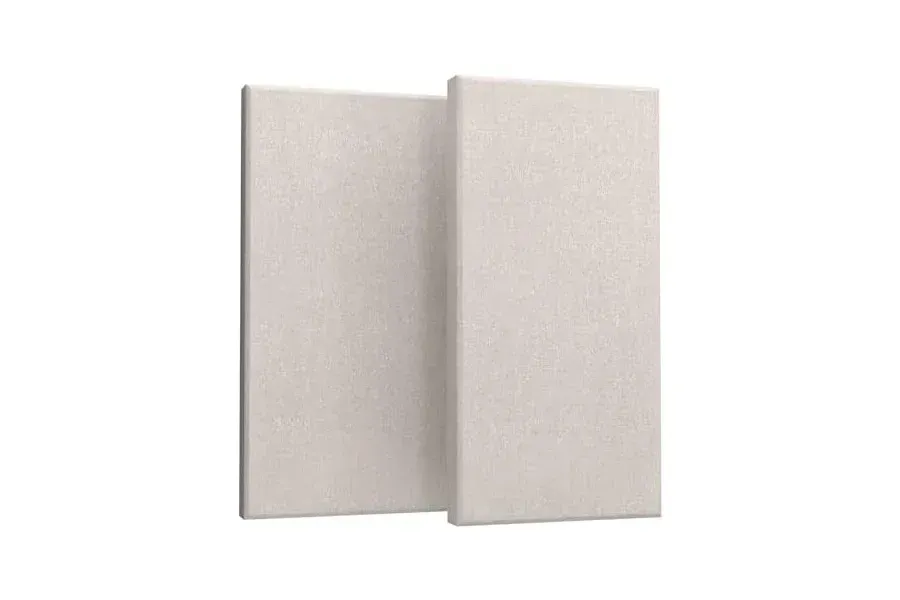
Hard walls can reflect speech back into the microphones, making a room sound hollow. This pack contains two panels, each approximately 47.2 by 23.6 inches and 2 inches thick.
Two panels are a starting point, not full-room treatment. Place them strategically near major reflection points. Acoustic absorption reduces reflections inside a room; it does not soundproof the room from outside noise.
13. Power: Surge Protector Strip
1 strip | $18.99 total
View Surge Protector Power Strip on Amazon
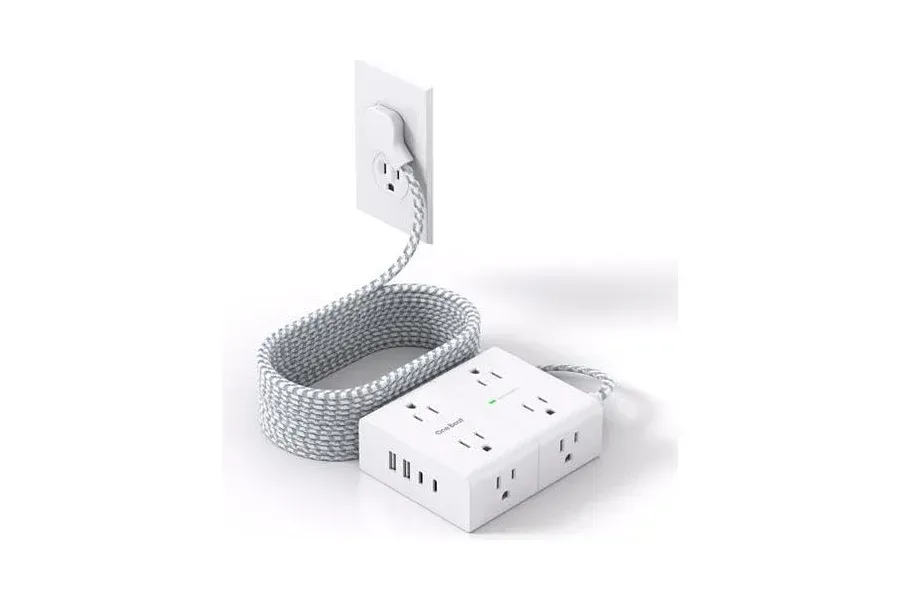
Cameras, lighting, and switching equipment all need power. The selected strip provides eight outlets, four USB ports, and a 15-foot cord to help centralize connections.
Verify the strip’s electrical rating, avoid overloading it, and do not daisy-chain power strips. Camera continuous-power adapters may still be necessary for longer recordings.
How to Connect and Record Your Two-Camera Podcast
1. Set up the cameras
Mount each Sony ZV-E10 on its SmallRig AD-01 tripod. Frame one speaker per camera. Connect each camera’s micro-HDMI output through its adapter and active HDMI cable to the RØDECaster Video. Confirm compatible output settings.
2. Connect the microphones
Mount both MV7+ microphones on their Gator boom arms. Run an XLR cable from each microphone to the switcher’s audio inputs. Set levels while both speakers talk at their normal volume.
3. Position the lighting
Place an Amaran Halo 200x and Glow softbox for each speaker, supported by a K&F stand. Match color temperature and adjust intensity for flattering, consistent exposure.
4. Configure the switcher
Assign the two HDMI sources and microphone inputs in the RØDECaster Video. Test manual switching and, if useful, audio-driven automatic switching.
5. Make a test recording
Connect compatible external USB recording storage. Record a short test, verify that both cameras and microphones are present, and listen for distortion or unwanted noise.
6. Record and finish the episode
Record the switched program, then transfer it to a computer for an intro, outro, graphics, captions, and final delivery. Live switching can reduce editing work, but finishing and quality control still matter.
What Is Not Included in the $5,000 Budget?
The $4,903.03 estimate includes the two cameras, video switcher, microphones, headphones, supports, lighting, two acoustic panels, HDMI cables, XLR cables, micro-HDMI adapters, and power strip. It does not include compatible external USB recording storage, optional continuous camera power, furniture, backdrop design, sandbags, a computer, or editing software. Taxes and shipping can also push the checkout total over $5,000.
Is This Two-Camera Setup Right for You?
This build is especially attractive for a two-person video podcast that records regularly and wants to minimize multicamera editing. It offers individual speaker angles, voice-focused microphones, soft lighting, and centralized audio/video operation. It is less suited to creators who require separate 4K camera masters, extensive multicamera post-production flexibility, or a fully furnished and acoustically treated room within the same $5,000 ceiling.
Build Your Own Video Podcast Studio With StudioGear
This is one example of what can fit into a $5,000 equipment budget. Your ideal setup may differ based on your room, number of speakers, preferred workflow, and experience level. StudioGear.app helps you build a personalized equipment list around those needs, so you can spend less time guessing and more time creating.